Creating the ultimate “capture” library in Obsidian

I’ve been on a quest for years to find the perfect link-capturing, read-it-later system. You can probably look through my posts and find a few in which I profess to have found "the system" that works (usually a specific app). What I don't post is the inevitable failure of each system because something in my workflow doesn't quite fit.
What I will not do in this post is claim that I have found "the perfect system." But I will share a little project to set up Obsidian as a catchall for all the stuff I want to capture. My Obsidian Capture System.
My Obsidian Capture System
I built this system to meet my own specific needs. It involves the following:
- Readwise Reader - I keep this service because it has many features I find really valuable, including YouTube transcripts, AI summaries of articles, and a really good voice mode. The larger Readwise service pulls highlights from many different book services. It is not cheap, but having tried so many other things, I can say it is well worth the money. The official Obsidian Readwise Sync works great.
- Obsidian Web Clipper - This is a great tool for clipping whole articles to Obsidian. I use this when I want to save an article or excerpts from an article that is only on the web and doesn't rise to the level of being saved in Readwise. The reader mode is gorgeous on iOS. But it is not a replacement for Readwise, as it cannot clip articles from apps like the NY Times or Apple News (which Readwise can generally handle), and is really limited to text articles on the web.
- Obsidian share sheet - This is how I capture everything else. I set up a template to format how information is saved to Obsidian, which took a little effort, but it works great. I use this to save links (with any relevant image, if available) from sites like Instagram, Bluesky, and other social media sites. This is mostly for non-reading content and anything I might want to revisit later.

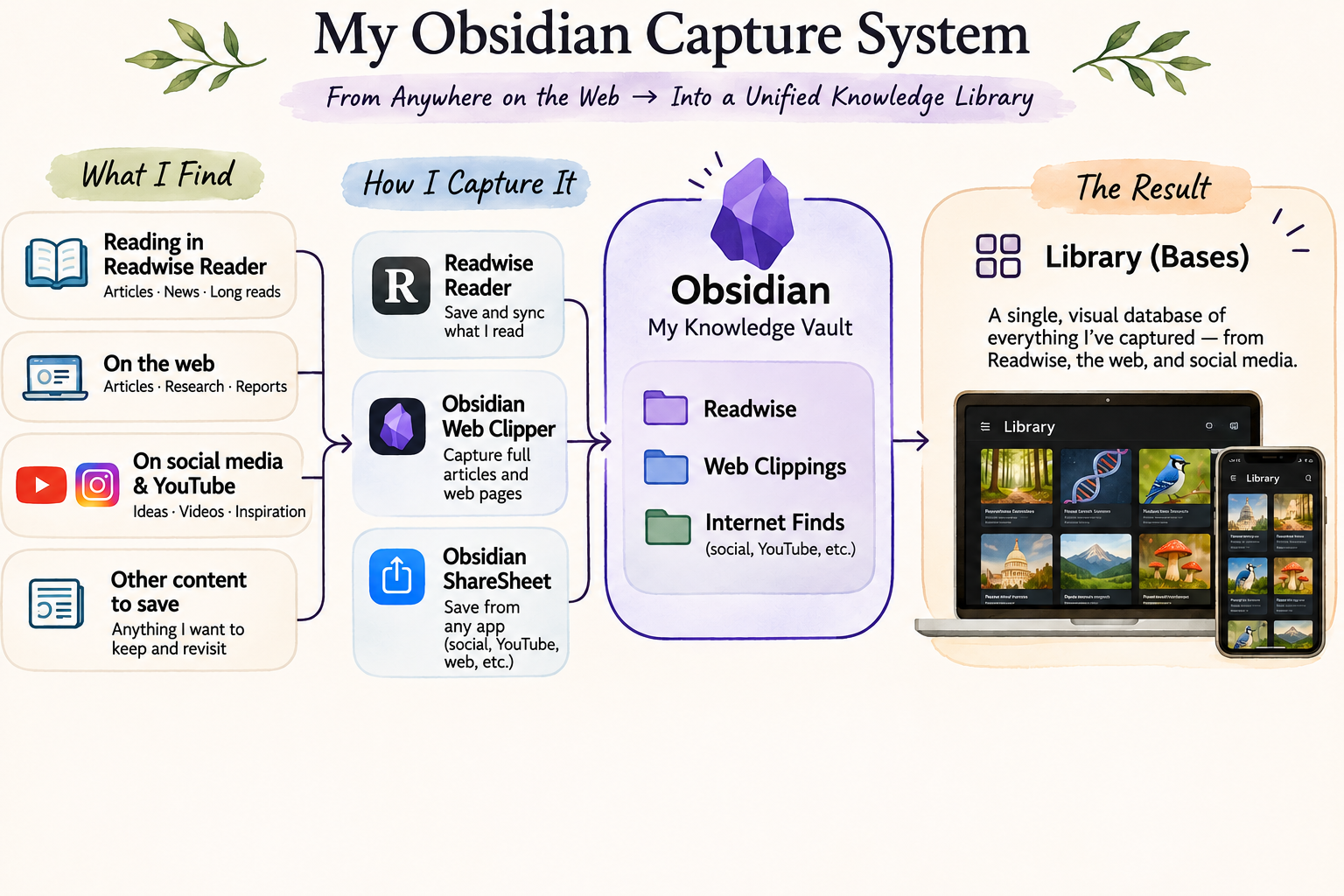
As shown above, all of these internet finds go into three distinct folders - a Readwise folder for all the things from Readwise, a Web Clippings folder for anything clipped using the Obsidian web clipper, and an Internet Finds folder for anything saved using the Obsidian share sheet.
From here, Obsidian's Bases pulls it all together.
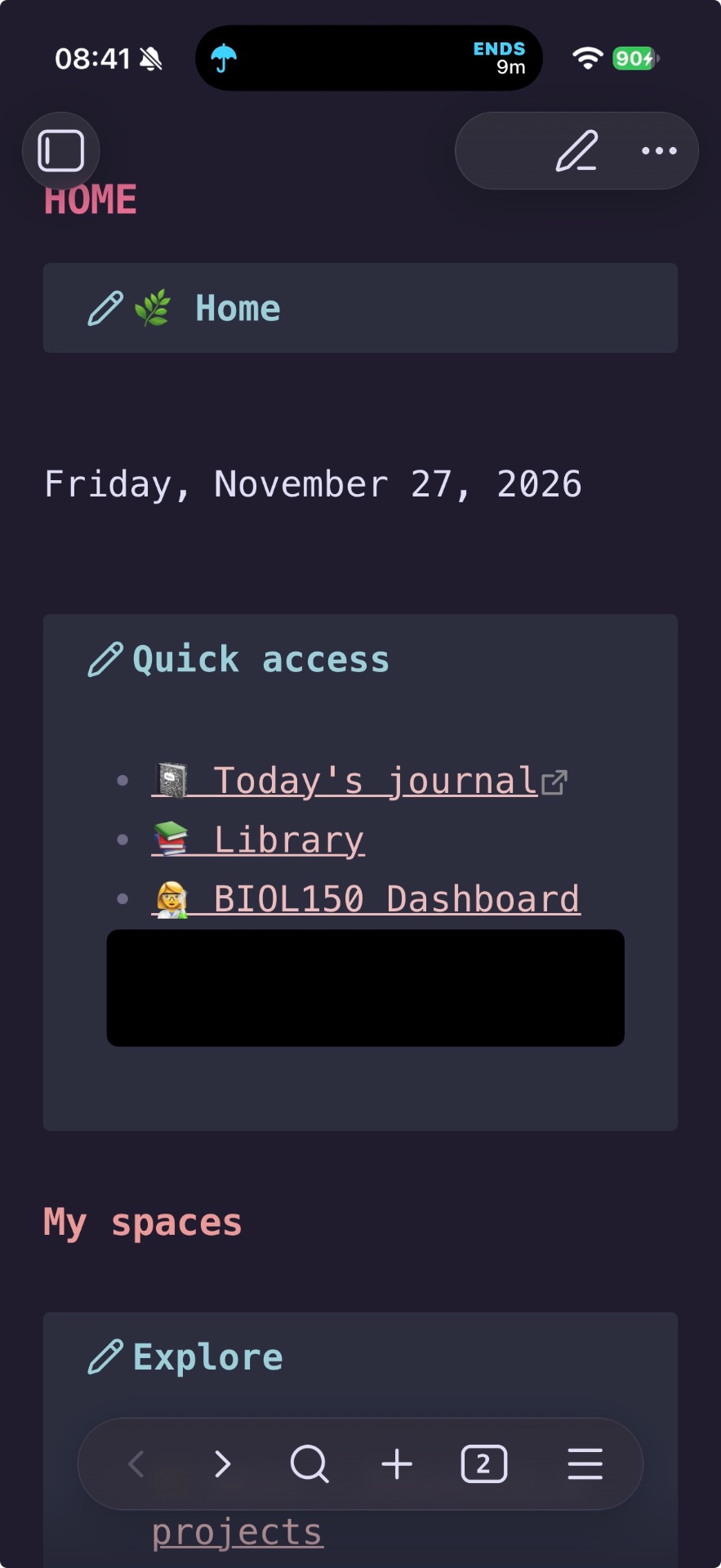
A link to my "Library" (a Base) lives on my home page within Obsidian.

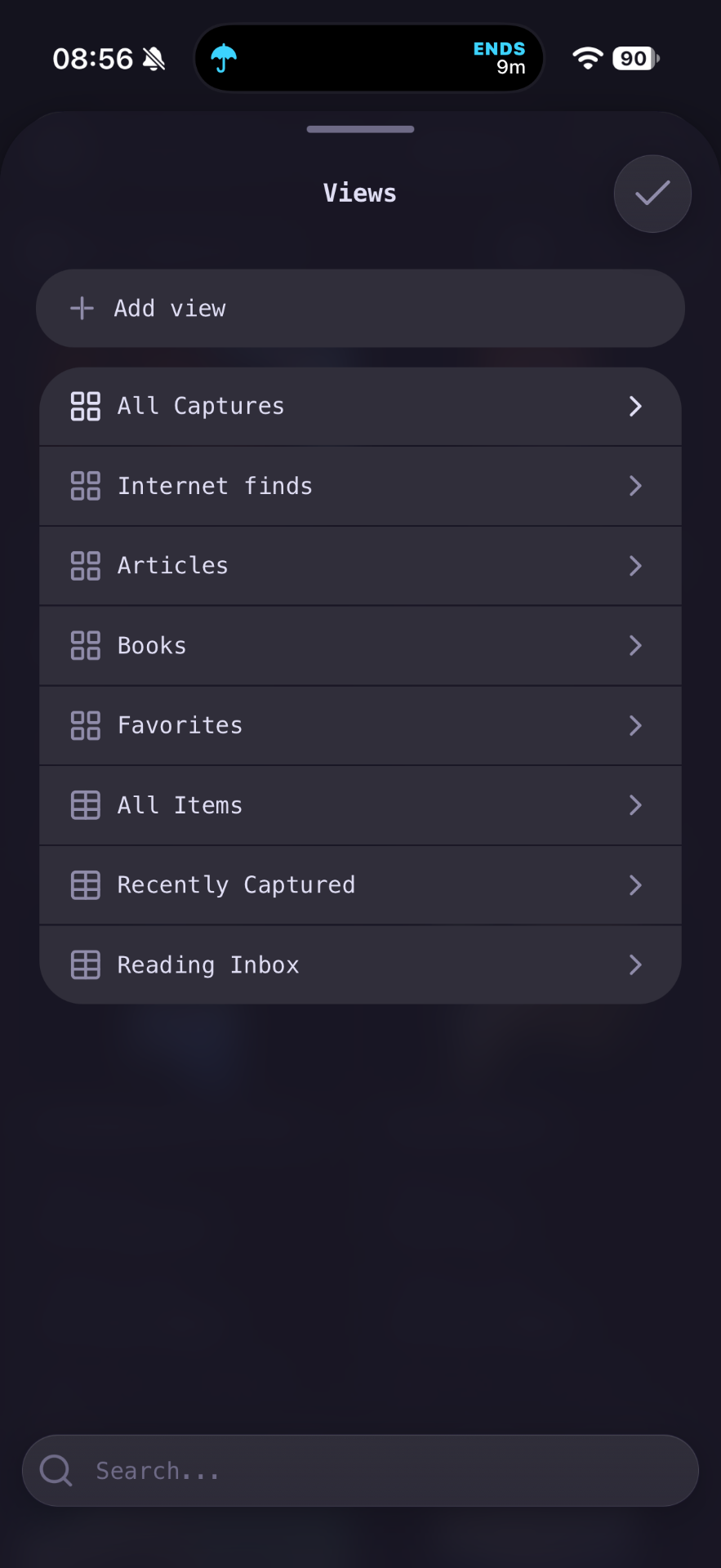
Within that base, I have a number of views, and I can easily create new views based on tags, source, or any other variables

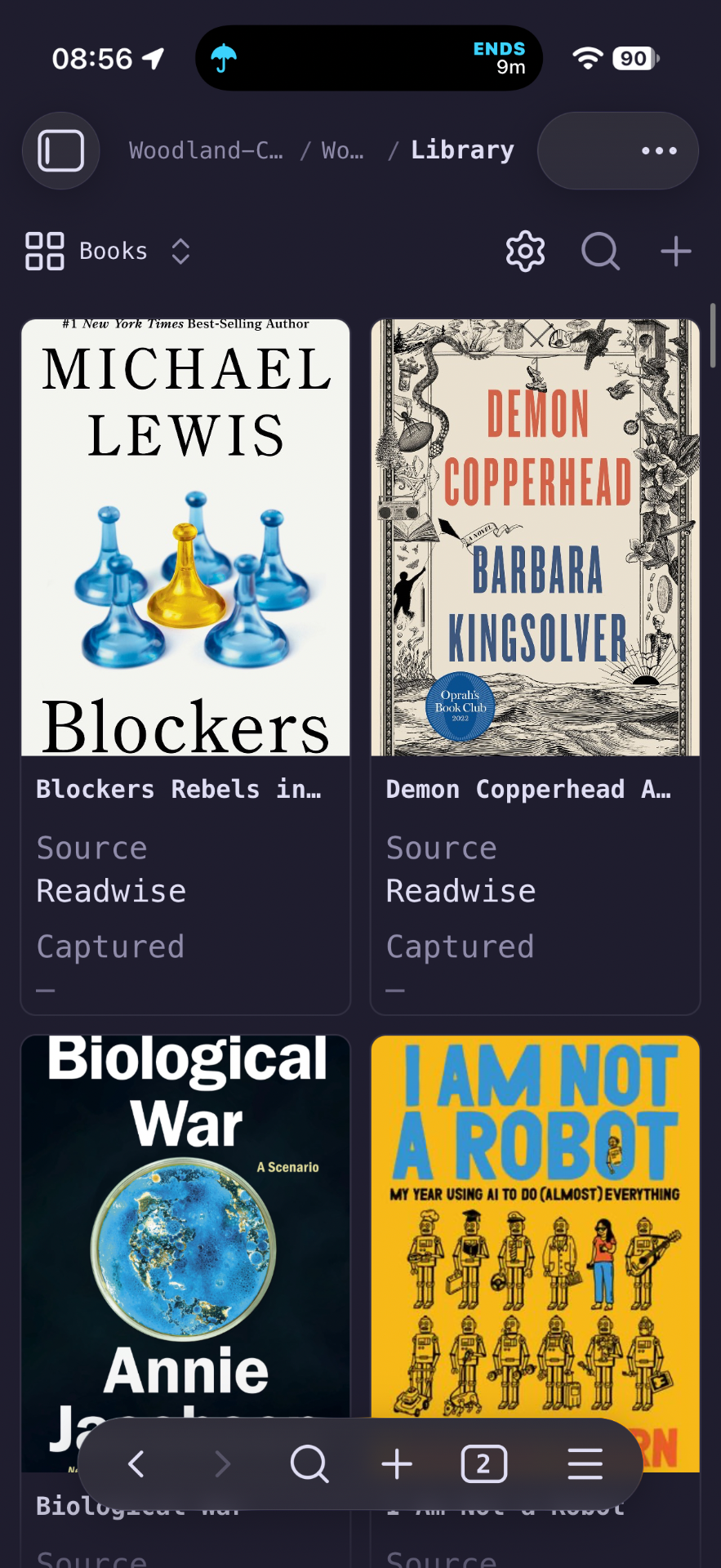
For example, I have one view that is just for books.

I have another view that is just my saved Instagram posts.

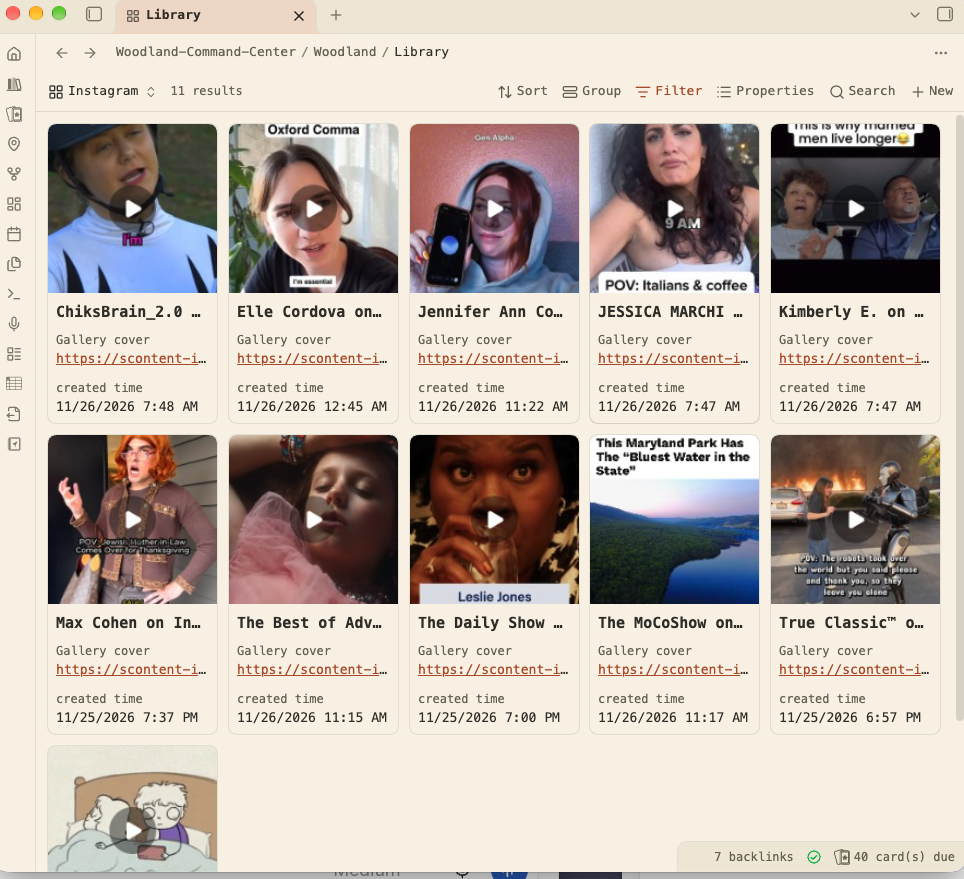
Bases is one of those things that has intimidated me in the past, but this use case has proven powerful enough to incentivize me into learning how to actually make use of it.
Does this mean I am done with other apps? Eh, who knows. But like many things with Obsidian, I really like the idea of what I'm saving existing in plain-text, not-proprietary formats that I could potentially access in another app in the future. File over app.