Taio - a great Obsidian companion app

Someone on Mastodon reminded me that I wrote about Taio years ago. So I thought it would be a good time to revisit my use of Taio because, yes, I still use it with Obsidian.
I mostly use Taio to access my .obsidian and .trash folders on mobile. These folders are hidden in the iOS system and not directly accessible via the Obsidian app.

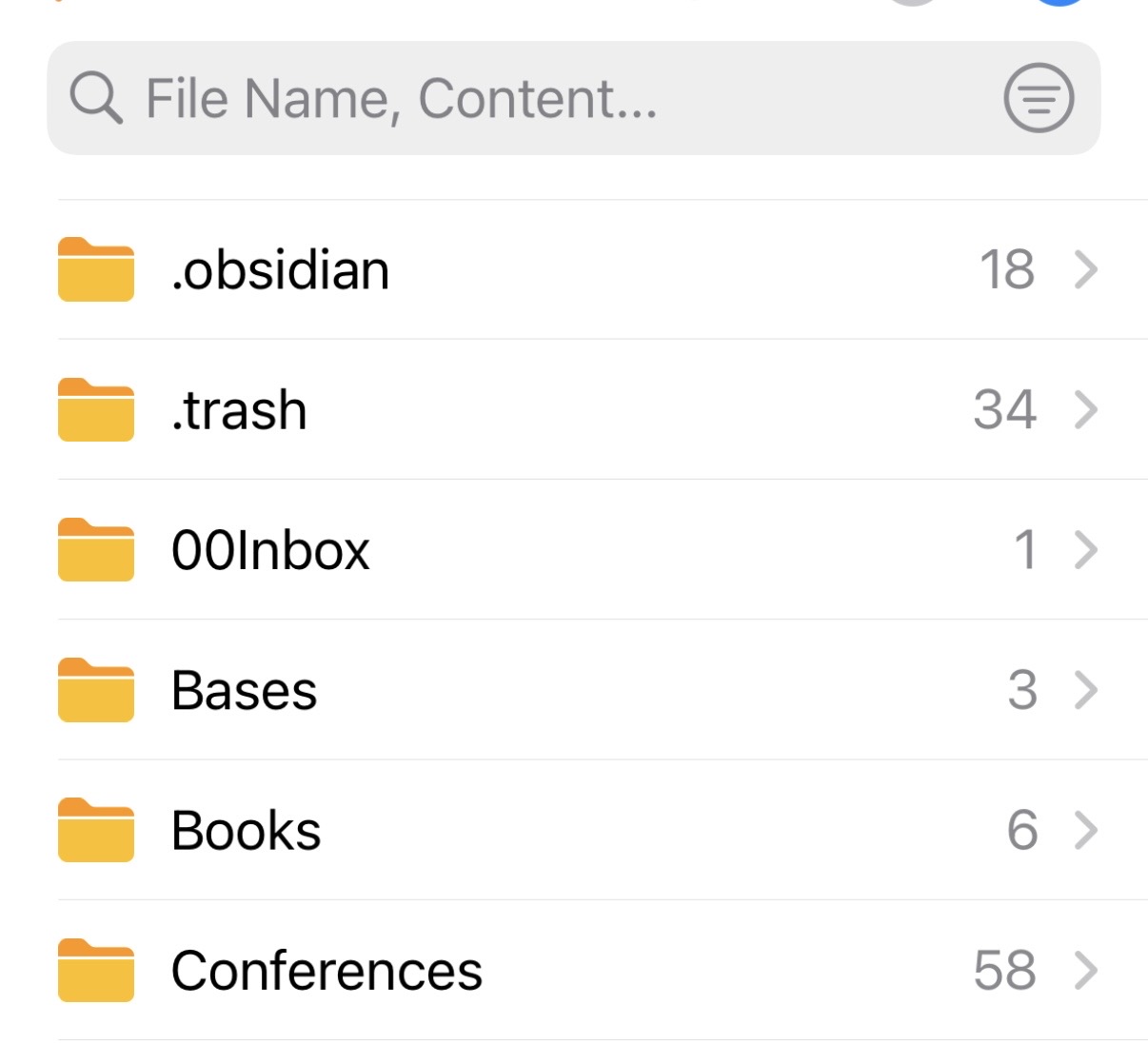
In Taio I can easily create and add .css snippets to my Obsidian vault or pull something out of the trash without having to go to my computer.
Taio is also great as another way to access or add to notes within an Obsidian vault when on mobile, or as a really nice text and code editor. Prior to the recent huge Obsidian mobile update, Obsidian on mobile wasn’t a great experience. Taio was a great way to access my Obsidian vault but with a much cleaner, mobile-friendly interface.
Now that Obsidian’s mobile UI has improved, I don’t typically use Taio for accessing my notes, although I am experimenting with using it to add notes to my vault quickly when on mobile.
The ONLY limitation to using Taio is that whenever I use it to add to or modify a note in my Obsidian vault, I have to make sure to open Obsidian on my phone to force the notes to sync across devices (as Obsidian only syncs with the app open). But with Obsidian sync and the mobile app so much faster now, this isn’t a big deal.