Cleaning up my messy read-it-later workflod


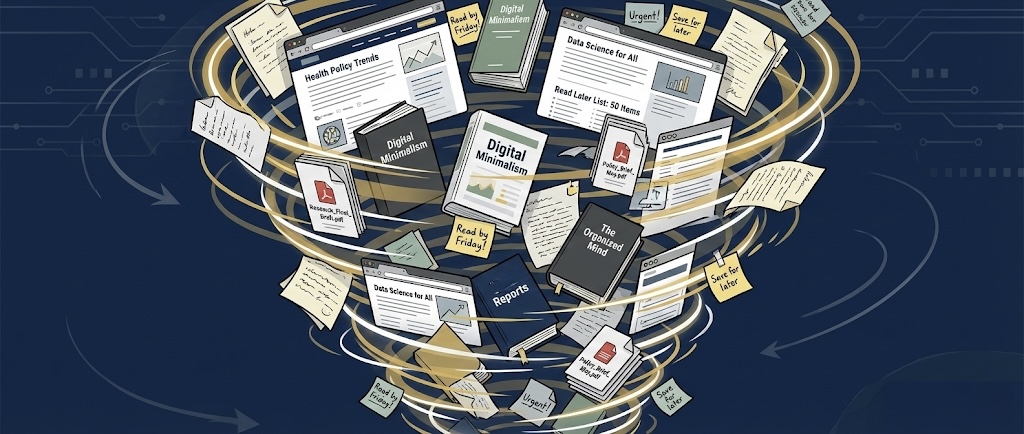
My read-it-later and bookmarking workflow is a mess. Digitally, my stuff is just…scattered. Random tidbits in Apple Notes, links and notes in Obsidian, remnants from when I used Readwise and synced those highlights, articles I clipped to Obsidian using the web clipper and then forgot about, and interesting YouTube videos saved in every corner of my device.
👋 Hello, I’m Drea and I am a digital hoarder.
I consume many different types of content from a variety of sources throughout my day. My consumption includes:
- 📚 books that I read via a variety of services (Kindle, Apple Books, Kobo, etc)
- 📰 news articles in Apple News, NYTimes, and many other places on the web
- 📃 PDFs
- 🎧 podcasts
- 📺 YouTube videos
And then I am always trying new apps to consume this content including read-it-later apps, web clippers, and apps that promise to organize all my links.
It is pure chaos and it needs to end.
Up until early 2025, I was using Reader by Readwise to save a lot of things and sync them to my note taking app (Apple Notes or Obsidian, depending on my mood). Reader is fantastic because it can handle all sorts of content. However, I made the big decision last year to move away from Reader and Readwise as a whole.
💵 Cost was a concern. At $12/month the service is not cheap. With increased costs in everything these days, I find myself scrutinizing subscriptions more closely than I have in the past.
🕳️ Readwise became a black hole. Because it does so much, things just got lost and forgotten. Having RSS within the app was great, but I quickly stopped checking it. Articles were dumped in and forgotten about, buried under more articles.
🔄 Finally, the highlight syncing to my notes app of choice (Obsidian or Apple Notes) proved to be mostly useless, as I almost never went back and used those highlights.
It is time for a new workflow for 2026. Some people make New Year's resolutions, I make new workflows.
For note taking, I primarily use Obsidian. 📝
I have used Obsidian almost since it was released back in 2020, although this past year I ventured into the simplicity of Apple Notes and even gave Bear Notes a try again (because I really needed back linking). But with Obsidian's massive improvements to its mobile app, it is now feasible for me to use it for most things. I still use Apple Notes for all the notes I share with my family (house stuff, travel planning, school things, etc) and as a kind of quick digital filing cabinet, but everything else, particularly information I want to permanently save, goes into Obsidian.
The Cleanout
I began this process by cleaning out all the saved crap I had amassed. This mostly meant going through Apple Notes, Bear, Obsidian, GoodLinks, Reeder, and a few other apps and deleting anything that wasn’t worthy of saving or that was no longer relevant. This was easier and more satisfying than I anticipated. I ended up deleting about two-thirds of the information I had saved.
My Workflow for 2026
🛑 The most important part of my new workflow is to stop saving every freaking thing I read or watch. Like seriously, I don’t need to save EVERYTHING just because I can. Daily news articles I read will likely be irrelevant in a few days. Most of what I see on social media isn’t something I will come back to. If I really need to find any of this, there’s Google. 🛑
GoodLinks for articles.
GoodLinks. Most stuff from around the web gets dumped into GoodLinks. I have tried a few other similar apps, but GoodLinks is great for reading and highlighting articles, and it also does a decent job of saving social media posts. In the vast majority of cases, I save something to GoodLinks, read it or watch it, and then mark it as "read." This keeps the item available via search if I need it. In the event that I actually want to use a link for something, only then do I bring it into Obsidian. The best thing about GoodLinks is that, compared to Reader by Readwise, it is very cheap and very private.
Obsidian web clipper. I use this VERY sparingly. I ONLY clip articles to Obsidian that I am going to immediately use to produce something.
Reeder for RSS. I will continue to use this because it works. I check it daily and I can easily send articles from Reeder into GoodLinks if I want to reference them later. What I like about Reeder compared to other RSS apps is that can create feeds from a whole host of content, including podcasts and YouTube.
Nothing for books. Yep, that’s right. I am no longer going to regularly export book highlights because it turns out that I almost never need them. If I am reading a book for which I do think the highlights are going to be used in some capacity, I save the book and highlights to Obsidian using the Book Search Plugin.
When I first started using Obsidian years ago and then added Reader to my workflow, I ended up with an Obsidian vault FULL of things I had read but almost never revisited. It resulted in a cluttered vault that was largely useless. My goal now is to be much more thoughtful about what ends up in my vault.