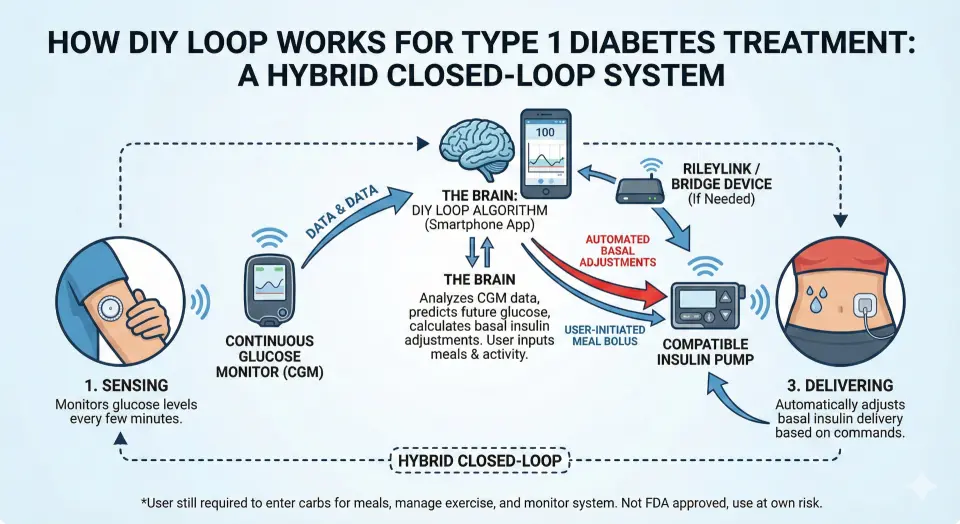
AI in DIY Loop


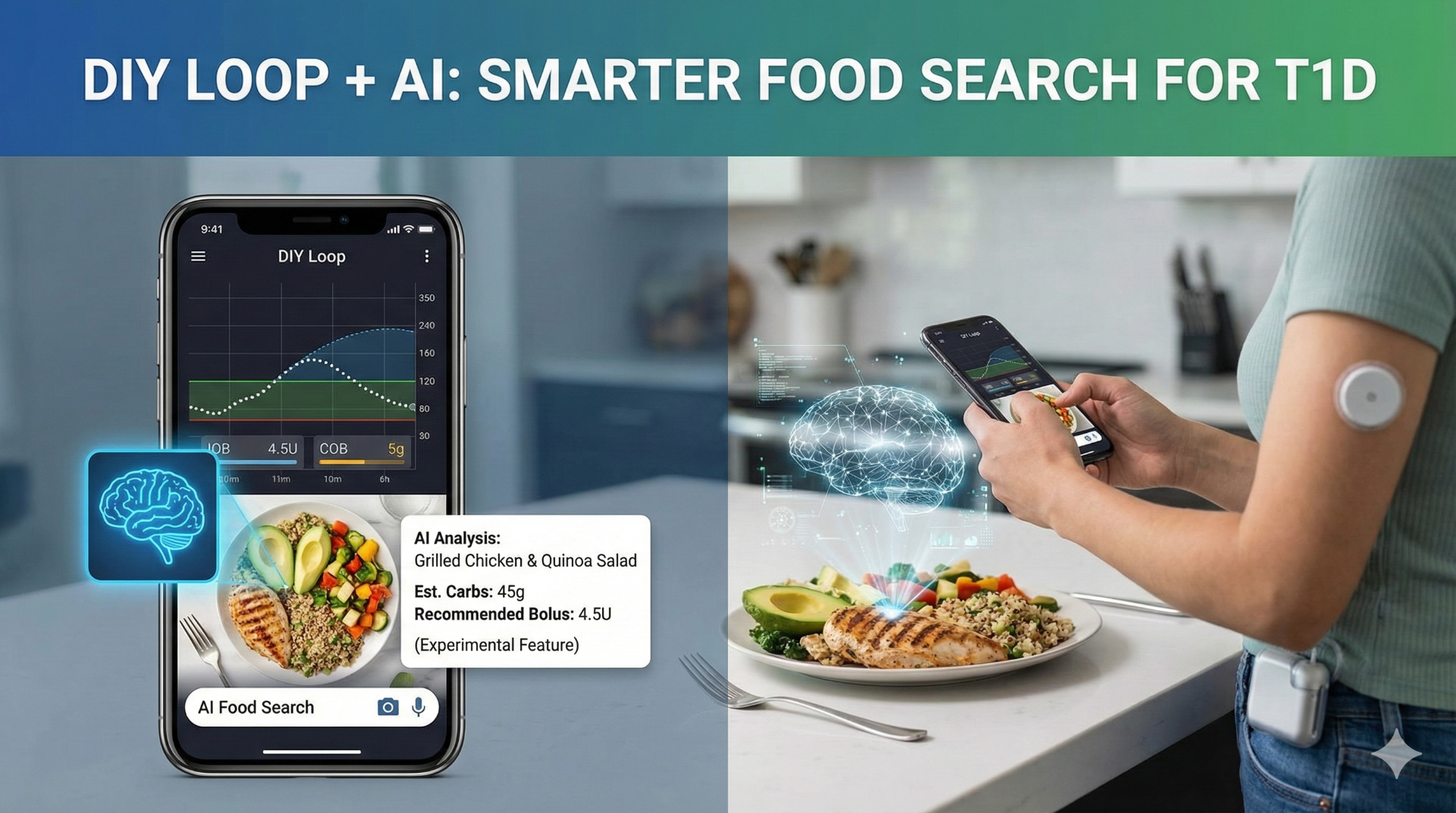
One cool thing about the app that keeps me alive is that people are always innovating on how to make it better.
When I saw this video by Diabetech about a new customization someone built to use Ai food search within Loop to count carbs, I was so on it that I had my Loop app updated with this new customization added in before the video was even over (I’m not joking).
Thanks to the great instructions, I was able to add the customization to my forked repository in GitHub and build the app in a matter of minutes. There are a number of customizations currently available for Loop so I took the time to add a few of those as well (I was most exited about the live activity widget).
Finding the Ai food search customization was the trickiest part of the effort but I eventually found it and had it up and running in no time. It’s important to note that this does cost money to access your preferred Ai service’s API, but the cost is small (about $0.01 per search). I’m using the OpenAi API, but you can also use Claude and Gemini.
Using Ai Food Search in Loop
After Ai Food Search is set up, it is absurdly easy to use. I am currently using OpenAi’s API, but will eventually switch that to Gemini or Claude once my OpenAi balance is spent.
Overall, I’ve found this to be very accurate. Compared to foods for which I know the carb count, like homemade dishes, the Ai analysis has been surprisingly on point. It’s also uncovered instances where I’ve been underestimating what I’m eating.
The other built in food search options are also helpful. I no longer have to rely on a separate app and then switch back to Loop; it’s now all in one place.